
Employee Advocacy Tool for LinkedIn | OneTrackk

 Oct 15,2026
  By admin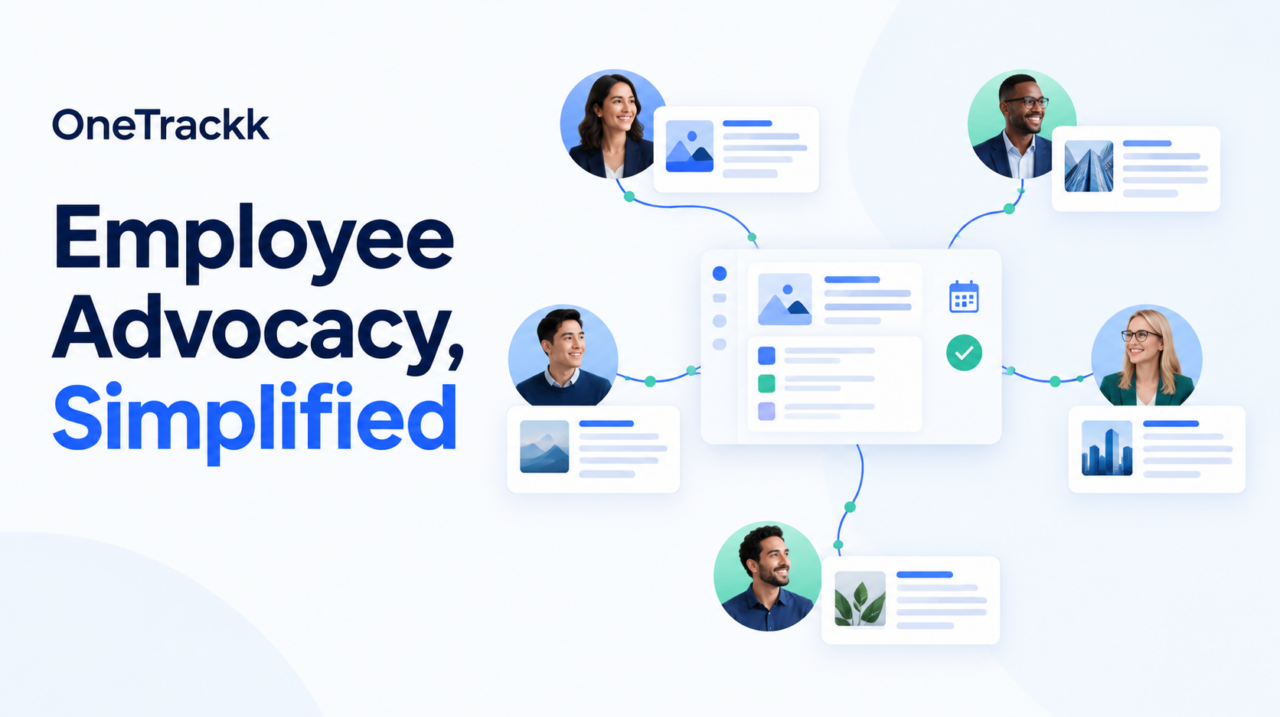
A Better Alternative to Manual Employee LinkedIn Programs: OneTrackk
Your company has something a business page alone cannot replicate: a team of people with their own professional networks, industry relationships, and perspectives.
The challenge is turning that potential into a consistent LinkedIn presence without creating another task for everyone to manage.
If your employee LinkedIn program depends on reminder emails, copy-and-paste instructions, and someone asking, “Did everyone share the post?”, it may be time for a more organized approach.
OneTrackk is an employee advocacy tool built to help companies coordinate LinkedIn content through participating employees’ accounts. With centralized post management, employee filters, scheduling options, and administrative approvals, it offers an alternative to running the entire process manually.[onetrackk]
What Is an Employee Advocacy Tool?
For LinkedIn marketing, an employee advocacy tool helps a company organize how employees participate in sharing business-related content through their professional accounts.
Instead of treating every post as a separate internal request, the company can manage content and participation through a repeatable workflow.
OneTrackk brings that approach into a shared dashboard. Administrators can invite employees, create posts, organize employees using filters, and coordinate publishing to connected LinkedIn accounts after employees authorize access.[onetrackk]
The goal is straightforward: make employee participation easier to coordinate while giving the marketing team a clearer process to manage.
When a Manual Employee LinkedIn Program Becomes Too Much Work
Consider a product announcement involving employees across several departments.
Without a dedicated workflow, your marketing team might need to:
- Draft the announcement.
- Decide which employees should participate.
- Email the copy and publishing instructions.
- Send reminders.
- Check who posted and when.
- Repeat the process for the next announcement.
That approach might be manageable for an occasional update. But is it the process you want to repeat for every event, hiring campaign, service announcement, and company milestone?
A better approach starts by separating the strategy from the administration. Your team still decides what to communicate and who should participate. The tool helps organize the publishing workflow.
How OneTrackk Supports Employee Advocacy on LinkedIn
Manage Posts From One Dashboard
OneTrackk provides a dashboard for inviting employees, setting up posts, and managing filters. This gives administrators a central place to coordinate the program rather than organizing each campaign through separate messages and spreadsheets.[onetrackk]
For a marketing team, that creates a practical foundation: one place to prepare activity, organize participants, and manage the next campaign.
Target Participating Employees by Department or State
Not every company announcement needs the same group of employees.
OneTrackk allows administrators to filter employees by department and state when directing posts to connected LinkedIn accounts.[onetrackk]
For example, a company could use those filters to organize:
- A regional announcement involving employees in a particular state.
- A service-focused campaign involving a relevant department.
- Separate communications for different parts of the organization.
These are potential applications of the filtering features—not a requirement to involve every employee in every campaign.
Coordinate Publishing Times
OneTrackk offers options to publish posts together or use randomized posting times.[onetrackk]
That gives administrators flexibility when planning a campaign. A coordinated announcement may call for a shared publishing window, while another campaign may benefit from a more distributed schedule.
The important distinction is control over timing—not a promise that one publishing pattern will automatically produce better LinkedIn results.
Add Administrative Approvals
OneTrackk describes dual authorization for posting, allowing administrative approval before content goes out across the company’s participating accounts.[onetrackk]
For teams that need a review step, this helps make approval part of the workflow rather than a separate email exchange.
Include Insights and Analytics
OneTrackk lists insights and analytics across its plans. The available employee licenses, administrative seats, and posting allowances vary by subscription.[onetrackk]
Before selecting a plan, match those allowances to the number of employees you expect to involve and the campaigns you intend to run.
OneTrackk vs. a Manual Employee LinkedIn Program
The clearest comparison is not “software versus employee advocacy.” OneTrackk is a tool for running an employee advocacy program.
The comparison is between managing that program manually and using a dedicated platform.
| Program task | Manual workflow | OneTrackk workflow |
|---|---|---|
| Organizing participants | Maintain separate lists and send individual instructions | Invite and organize employees through a dashboard |
| Selecting campaign participants | Manually sort employees for each request | Filter employees by department or state |
| Coordinating publishing | Ask employees to follow timing instructions | Set simultaneous or randomized posting times |
| Reviewing content | Arrange approvals outside the publishing process | Use administrative posting approvals |
OneTrackk lists these dashboard, filtering, scheduling, and approval capabilities on its website.[onetrackk]
For a company trying to reduce the coordination involved in employee posting, those capabilities are the main reason to consider it over a reminder-driven process.
Keep Employee Participation at the Center
Centralized publishing should not mean treating employees’ professional accounts as company property.
OneTrackk’s workflow requires employees to connect their accounts and authorize LinkedIn access. Build your program around that permission: explain what participation involves, establish clear content expectations, and make sure employees understand how their accounts will be used.[onetrackk]
The tool should support a thoughtful program—not replace one.
Build a More Organized LinkedIn Advocacy Program
If your biggest obstacle is coordinating employees, posts, approvals, and publishing schedules, another reminder email is unlikely to be the process improvement you need.
OneTrackk brings those activities into a dedicated employee advocacy workflow, with tools for centralized management, targeted participation, scheduling, and administrative review.[onetrackk]
Explore OneTrackk to find a plan that fits your team and build a more manageable approach to employee advocacy on LinkedIn.


 Oct 15, 2026

